

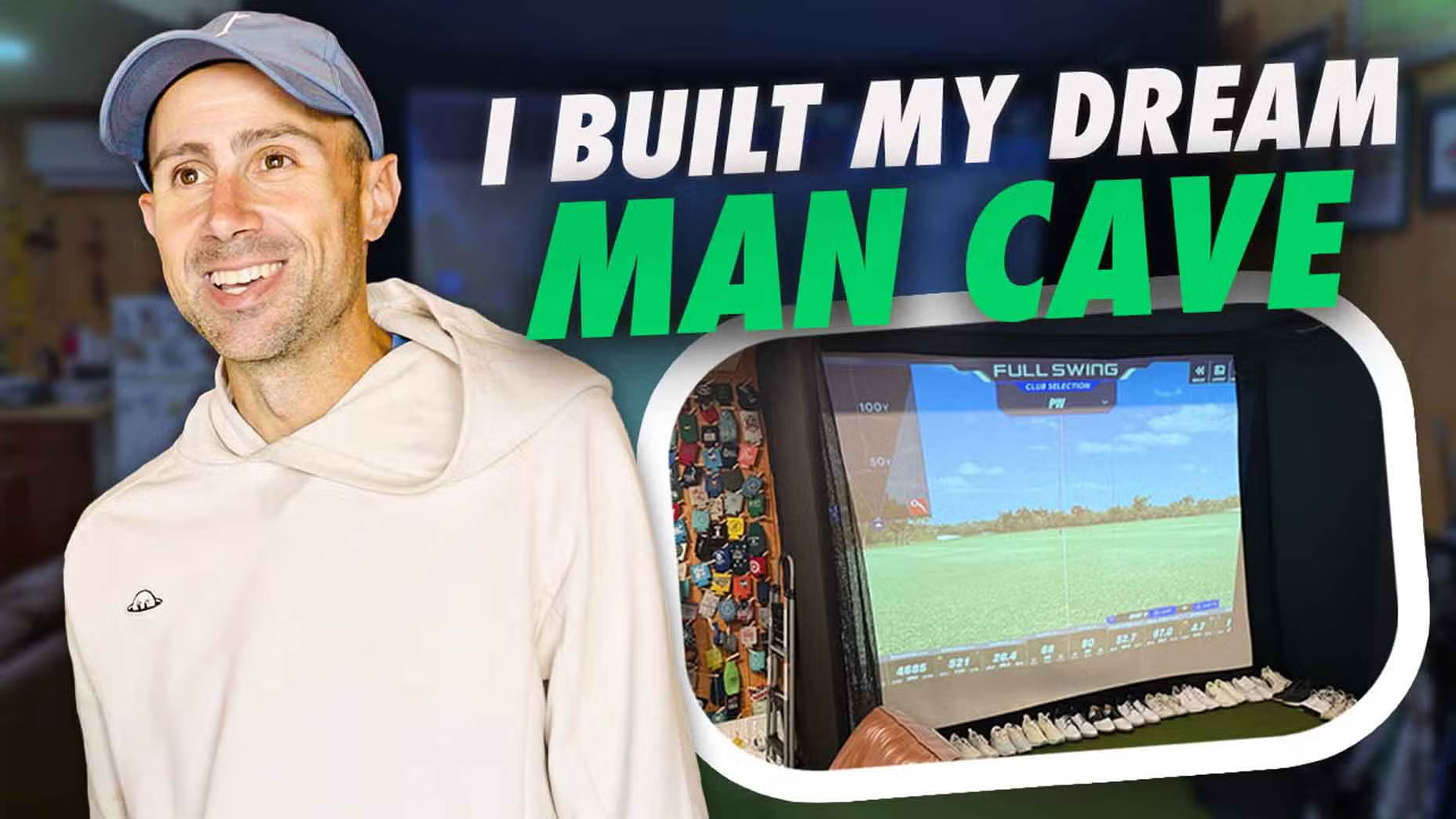

Creating Your Dream Golf Simulator: A Complete Guide to Building a Full Swing KIT Studio in Your Garage
Golf enthusiasts often dream of replicating the perfect on-course experience right from the comfort of their homes. With advancements in technology, building a high-quality golf simulator in your garage has become more accessible than ever. In this article, we will explore everything you need to know about creating your dream golf simulator, specifically using the Full Swing KIT Studio.
Why Build a Home Golf Simulator?
Having a golf simulator at home offers numerous benefits. It allows you to practice year-round, improve your swing, play virtual courses, and gather data on your performance — all while avoiding the weather-related inconveniences associated with outdoor golf. Building a home simulator can also serve as a fantastic entertainment hub for friends and family, giving you the perfect excuse to invite them over for a round of virtual golf.
Getting Started: Planning and Preparation
Before embarking on your DIY golf simulator project, proper planning is crucial. Start by determining the available space in your garage. Ideally, you’ll want enough room for your simulator setup, allowing for potential swings without hindrance. To achieve this, a minimum height of 9-10 feet and a width of 12-15 feet is usually recommended. Measure your garage meticulously to ensure that your dream setup fits comfortably.
Choosing the Right Equipment
When choosing your golf simulator, look for a reliable and feature-rich system like the Full Swing KIT Studio. This simulator is renowned for its accuracy, providing real-time feedback and data analytics that can help you improve your game. Additionally, consider investing in quality peripherals such as a launch monitor, projector, screen, and impact netting to create an immersive golfing environment.
Setting Up Your Simulator
Once you’ve chosen your equipment, it’s time to assemble your simulator. Start by mounting the projector securely and ensuring it’s aligned with your simulator screen. Next, position the hitting mat and netting. The hitting mat should be placed in a way that mimics real-life conditions, allowing for a natural feel when you swing. Set up your Full Swing KIT Studio software on a compatible device to enhance your user experience.
Lighting and Sound: Creating the Perfect Atmosphere
To truly replicate the on-course experience, paying attention to the ambiance is essential. Consider installing adjustable LED lighting in your garage, giving you the flexibility to create different atmospheres based on the time of day or your mood. Additionally, investing in quality speakers can significantly enhance your overall experience, allowing you to enjoy realistic sound effects and background music while you play.
Testing and Calibration
After setting up your simulator, the next step is testing and calibration. This process ensures that your launch monitor and simulator software function seamlessly together. Follow the manufacturer’s guidelines to calibrate your Full Swing KIT Studio accurately. Spend some time hitting a few shots and monitoring the performance data to make sure everything is working correctly.
Maintenance Tips for Longevity
To maintain your home golf simulator and ensure it remains in optimal condition, follow a regular maintenance routine. Clean the projector lens and screen periodically to prevent dust build-up. Additionally, inspect the hitting mat for wear and tear, replacing it if necessary. Keeping your space clutter-free will also help prolong the life of your equipment.
Expanding Your Simulator Experience
Once your golf simulator is fully set up, consider adding supplementary equipment and features. For instance, integrating fitness trackers or sensors can provide deeper insights into your performance and help you tailor your training regimen. Furthermore, consider creating a lounge area within your garage, complete with comfortable seating and refreshments, turning your golf simulator into a social hub.
Sharing Your Experience
Once your dream simulator is complete, share your journey with fellow golf enthusiasts, whether through social media or local golf communities. Sharing your insights, challenges, and victories can inspire others to embark on their DIY golf simulator projects. Additionally, it can serve as an excellent opportunity to gather tips and tricks from fellow golfers, continually enhancing your home golfing experience.
Conclusion: Tee Off from Home
Building a home golf simulator is an exciting project that offers endless opportunities for practice and enjoyment. By following these steps and integrating the Full Swing KIT Studio into your garage, you will have a state-of-the-art setup ready for use on any day of the year. With your new dream golf simulator, you’ll no longer have to rely on the weather to pursue your passion for golf, allowing you to tee off whenever you please.
In summary, a well-thought-out home golf simulator setup can transform your golfing experience, making it more convenient and enjoyable. So gather your tools and materials, and get ready to embark on the incredible journey of building your dream golf simulator today!
